VTech baby monitor review
This post contains affiliate links. If you buy through them, we may earn a small commission at no extra cost to you.Learn more.
Our verdict, if you don’t read another word: the VTech WiFi baby monitor earns a 4 out of 5, and it is the one we bought to stop juggling two separate monitors for one nursery. Two cameras, one screen, one thing to charge. It has the sharpest picture of the four monitors we own and it works perfectly well without ever joining your WiFi. Three specific irritations keep it off the top spot, and all three are below.
One note on scope. We cover this as gear. A baby monitor is a convenience device and not a safety one. Anything touching safe sleep, or two children sharing a room, is a question for the AAP and the CPSC rather than a blog, including this one. What we can tell you is what it is like to own.
For how it stacks up against the other two monitors in the house, see our best baby monitor roundup. This page is the VTech on its own.
What the VTech is, and what it claims
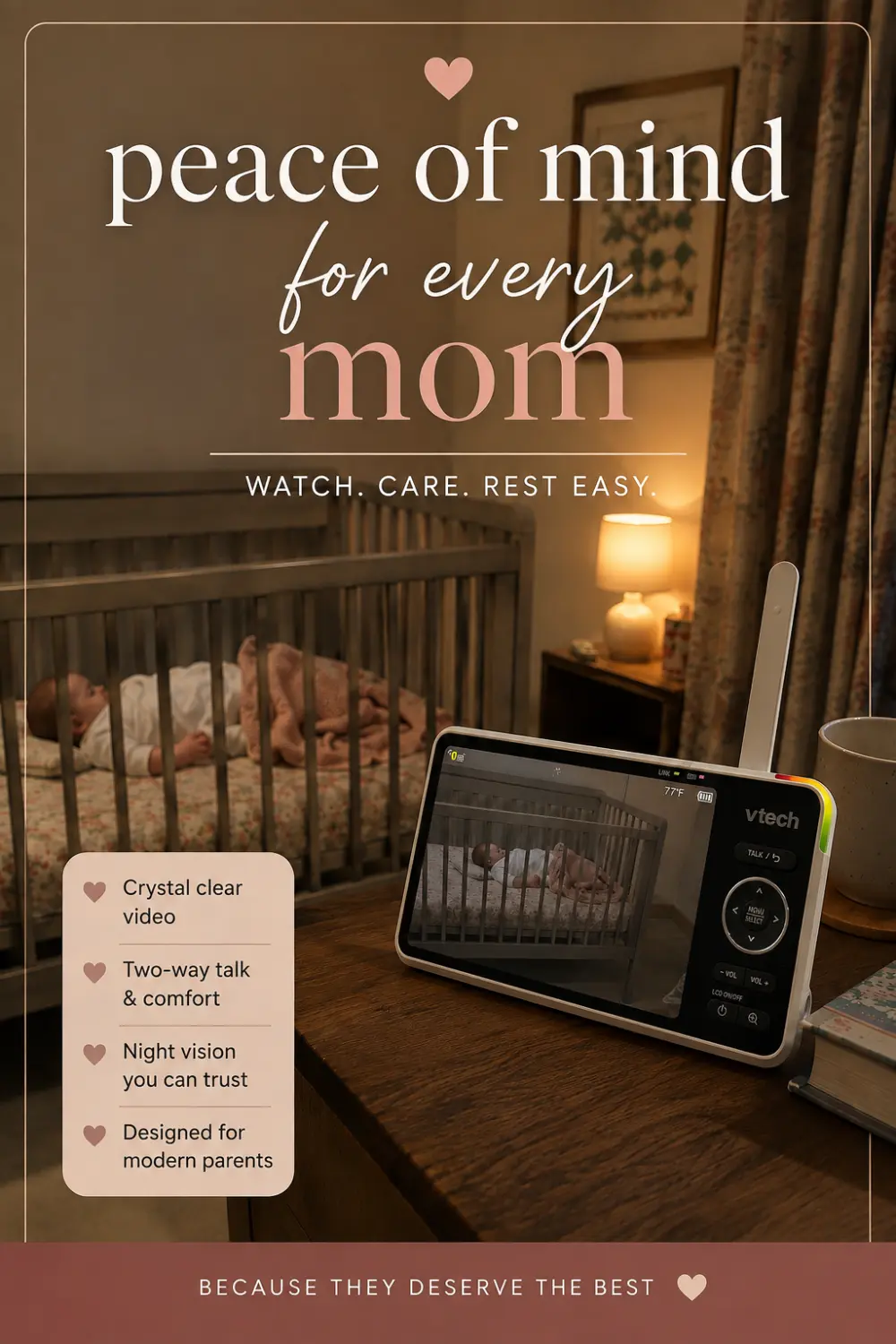
It is a dedicated parent unit with a 5.5 inch screen, paired with cameras that stand on a table or mount on a wall. The parent unit is 6.69 by 3.46 by 6.93 inches and weighs 12.96 ounces, which is to say it is a substantial thing rather than something you slip in a pocket.
The published specs are 1080p, starlight night vision, two-way audio, soothing sounds, sound detection, and motion and audio alerts. It carries a 5000 mAh battery. Connectivity is the interesting part: 2.4 GHz WiFi and 2.4 GHz FHSS and Bluetooth, with apps for Android and iOS. It is sold as indoor only and is not water resistant, which is the honest description of what a nursery camera is.
Two cameras on one screen is the whole point
Both of ours sleep in the same room. What we wanted was not two separate monitors but one camera trained on each cot, side by side on a single screen, and that is exactly what this does.
The reason two cameras beat one in a shared room is framing. A single camera pulled back far enough to catch both cots gives you a wide shot in which neither child is more than a shape in the dark. One camera per cot means you can tell at a glance which of them is actually awake, which is the entire question you are getting up to answer.
The alternative, if you would rather buy one camera, is a monitor that pans from the handset so you can swing between cots. That is how our VAVA handles the same room, and it works, but you are choosing which child to look at rather than seeing both.
You never have to connect it to WiFi
This is the part of the listing worth understanding properly, because it is not obvious from the name.
The cameras talk to the parent unit over their own private FHSS radio link. That link does not depend on your home network in any way. Joining the monitor to WiFi adds phone access from outside the house, and nothing else. Skip that step and you have an ordinary dedicated monitor that happens to have an app it is not using.
We have never connected ours. We liked having the option and then never needed it, and the thing has worked from the day it was set up. If you want the phone access, it is there. If you would rather not have a camera on your network with an account attached, you lose nothing but the remote viewing. That flexibility is genuinely unusual and it is a large part of why we would buy it again.
If you want a monitor where that decision is made for you and there is no WiFi at all, our HelloBaby monitor review covers the fully offline option.
The picture and the zoom
At 1080p this is the sharpest of the four monitors we own, and the zoom is better than anything else in the house. Starlight night vision holds up after dark.
We would still argue that resolution is the least useful number on a baby monitor box. The screen here is 5.5 inches, the smallest of our three, and in practice the 6 inch HelloBaby at 480p is easier to read across a dark room. Size beats sharpness for the job of glancing at something for two seconds from a bed. The 1080p is a genuine advantage when you zoom in, which is a thing you do occasionally rather than constantly.
Setup was quick, and the cameras are light enough to move around without redoing anything. Range holds up around the rest of the house, with a couple of dead spots at the far corner from the nursery.
Three things that annoy us
None of these are dealbreakers. All three are things we would want to know before buying.
Split screen is visual only. You see both cameras and you hear only the one you have selected, and switching is manual. There is a mode that automatically cycles between cameras every so often, and we find it more distracting than useful. What we actually wanted was for it to switch to whichever camera detected noise. It does light up on noise, so the information is there, it just does not act on it. In a shared room this stings less than it would across two bedrooms, because whichever camera you are listening to is picking up the same room anyway.
The kickstand is not centred. Combined with a fairly large parent unit, that means it goes over if you look at it wrong. It is the sort of thing that would cost nothing to fix and is mildly irritating every day.
The sounds are too loud. You can play lullabies through a camera, and the parent unit picks them up and reproduces them at a volume that drowns out everything else, including the baby you are listening for. It defeats the purpose of the feature, so we do not use it.
Battery and what it means day to day
The parent unit carries a 5000 mAh cell, a little more than the 4500 mAh in our VAVA. Treat it as an evening device that lives on a charger overnight rather than a screen you carry around all day.
That is the ordinary case for a monitor of this kind, and it only becomes a limitation if what you wanted was untethered daytime use. On that specific measure the HelloBaby, rated at 16 to 30 hours, is not slightly better but in a different category.
What we like
- Two cameras on one 5.5 inch screen, so two cots need only one handset
- Works fully without ever joining your WiFi, with the app as an option rather than a requirement
- Sharpest picture of our three at 1080p, and the best zoom in the house
- Range holds up around the house with only a couple of dead spots
- Quick to set up and light enough to reposition without redoing anything
What we don't
- Split screen shows both cameras but plays audio from only one, switched manually
- The auto-cycling mode is more distracting than helpful
- An off-centre kickstand under a large parent unit means it tips over easily
- Sounds played through a camera come back through the handset far too loud
- The smallest screen of our three at 5.5 inches
Who it’s for
Buy it if you have two cots to watch, whether in one room or two, and you want one screen rather than two handsets. Buy it also if you like the idea of phone access but want to decide about it later rather than at setup, because this is the rare monitor that leaves that door open without making you walk through it.
Buy something else if you have one child and one room, where a simpler monitor with a bigger screen does the same job more comfortably, or if you want a handset that runs all day off a charger.
The bottom line
A 4 out of 5. It solves the two-cot problem cleanly, it has the best picture and zoom of the four monitors in our house, and it respects your choice about WiFi in a way most cameras with an app do not. The point it drops is for three small pieces of carelessness: audio that does not follow the noise, a stand that will not stay upright, and a sound feature turned up loud enough to be useless.
The full comparison against our other three, including the Infant Optics that tops it, is in the best baby monitor roundup, and if you are putting the rest of the room together, the registry checklist covers what actually gets used daily.
Frequently asked questions
Is the VTech WiFi baby monitor any good?
We rate it 4 out of 5. It is the sharpest picture of the four monitors we own at 1080p, it runs two cameras on one 5.5 inch screen, and it works completely without WiFi if you want it to. It loses a point for three specific things: split screen plays audio from only one camera at a time, the off-centre kickstand tips the unit over, and sounds played through a camera come back through the handset far too loud.
Does the VTech baby monitor work without WiFi?
Yes, completely. The cameras talk to the parent unit over their own 2.4 GHz FHSS radio link whether or not you ever join the monitor to your home network. We have never connected ours, and it has worked as a plain dedicated monitor from the day we set it up. The WiFi half adds phone access from outside the house, so treat it as an option you can take later rather than a step you have to complete.
Can the VTech monitor show two cameras at once?
Yes, that is the main reason we bought it. Two cameras appear side by side on the 5.5 inch parent unit, which replaced the second handset and second charger we had been keeping on the nightstand. The catch is that split screen is visual only: you see both cameras but hear only the one you have selected, and you switch between them by hand.
What is the battery on the VTech baby monitor?
It carries a 5000 mAh cell, slightly larger than the 4500 mAh in our VAVA. Treat it as an evening unit rather than an all-day one, and expect it to live on a charger overnight. If untethered all-day battery is what you are shopping for, the HelloBaby HB6560 is rated at 16 to 30 hours and is in a different class on that one measure.
Is the VTech monitor good for two babies in one room?
It is what we use for exactly that, and it works well. One camera over each cot beats one camera pulled back wide enough to frame both, because in a wide shot at night neither child is more than a shape. With a camera each you can see at a glance which one is actually awake. The audio limitation matters less in a shared room, since whichever camera you are listening to is picking up the same room anyway.
What is wrong with the VTech baby monitor?
Three things, none fatal. Split screen shows both cameras but plays sound from only one, switched manually, and the automatic cycling mode that alternates between them is more distracting than useful. The kickstand is not centred and the parent unit is large, so it tips over easily. And the lullabies you can play through a camera come back through the handset so loudly that they drown out everything else, which defeats the point.