Audio vs video baby monitor: which one you need
This post contains affiliate links. If you buy through them, we may earn a small commission at no extra cost to you.Learn more.
Our answer, if you don’t read another word: an audio vs video baby monitor decision comes down to one question. Do you want to know that the baby is making noise, or whether you need to get up? Sound alone answers the first. A camera answers the second, which saves you trips to the door and the babies those trips wake. We have used an audio-only monitor and we now own six video ones, and for a shared room like ours, video is the one we would choose. For a single baby in a small home, audio can be plenty.
One note on scope. We cover monitors as gear. Neither kind is a safety device or a medical one, and anything to do with safe sleep belongs with the AAP and the CPSC, not with a gear blog.
What each kind tells you
An audio monitor is a microphone in the nursery and a speaker near you. When the baby makes a sound, you hear it. That is the whole job, and a good one does it well.
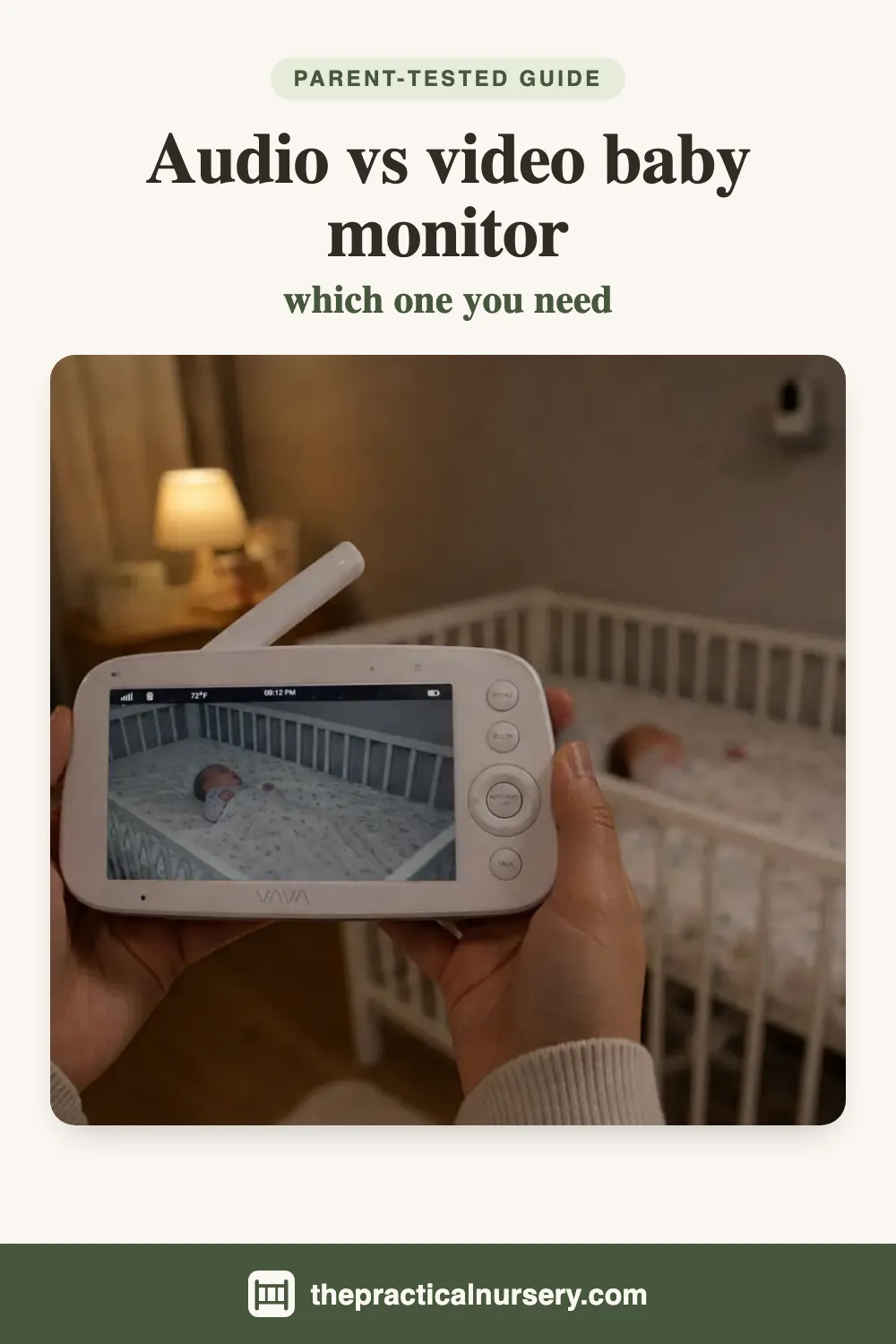
A video monitor adds a camera and a screen. You still hear everything, but you can also see the cot. That turns a sound into information. Was it a cry or a sigh? Has the baby settled again, or are they sitting up? Is it the older one or the younger one?
The useful way to think about the difference is in decisions rather than features. With audio, every noise from the nursery is a choice between going in and waiting. With video, you look first, and most of the time you stay where you are.
Where audio is enough
We would not tell everyone to buy a camera. Sound alone does the job well in a few situations.
When you go in every time anyway. Some parents check in person whatever a screen would show them. If that is you, a camera adds cost and little else.
When the home is small. If the nursery is a few steps from where you spend your evenings, a picture saves a very short walk. The main value of any monitor here is hearing a cry through a closed door, and audio does that.
When you want the simplest possible thing. Audio monitors tend to have fewer settings and smaller parent units, and some people prefer a device that only does one job.
Where video earns the extra
These are the situations where the camera stops being a luxury.
Two children in one room
This is the situation in our house. Both of ours share a room, and when you hear crying from a shared room the first question is which child. Audio cannot tell you. Going in to find out can wake the other one. With a camera over each cot, you know before you stand up. Our VAVA puts both cots side by side on one screen for this, and the HelloBaby also ships with two cameras in the box. One camera with a wide view was not enough for us, which we found out with our VTech.
A baby who grumbles and resettles
Plenty of babies make noise in their sleep and settle by themselves. Through a speaker, a sleepy grumble and the start of a real cry can sound much the same. A glance at the screen tells you which, and the door stays shut.
A baby who is awake but quiet
An audio monitor can only pass on what it hears. A baby who wakes up and starts moving around without a sound gives it nothing to work with, so the speaker stays silent while things are happening. A camera shows you that the baby is awake, whether or not they are making noise. This is the gap that showed up with our own audio-only monitor, which we describe below.
Following a baby around the cot
A camera you can move from the handset lets you follow a baby who has shuffled to the far end without walking in. On our VAVA it is a button on the handset, and it is the feature we use most. You can read more in our VAVA baby monitor review.
Toddlers
Once a child is standing and climbing, sound tells you they are awake and a picture tells you what they are doing about it. That is a different level of information.
Most of the night, a video monitor is an audio monitor
This part is easy to miss. People picture a video monitor as a screen you watch. In practice the screen is dark most of the night and the sound does the work.
Several of our monitors are built around this. The Jeeber VB619 has a VOX mode that turns the screen off while the room is quiet and wakes it when the camera hears sound. The VTimes VT31 has an ECO mode that does the same. The HelloBaby goes one step further with a light bar on the handset that climbs from green to red as the room gets louder, so you can see crying with the volume off. And our Infant Optics filters steady background noise like a fan, so the sound that reaches you is the baby rather than the room.
So the choice is not really sound versus picture. A video monitor gives you everything an audio one does, with a screen you can look at when you want to. The questions are whether that screen is worth the extra cost, and whether the sound side of the video monitor you pick is as good as a dedicated audio unit would be. On a good one, it is. Our how to choose a baby monitor guide goes through what to check on the sound.
Audio and video side by side
| Audio monitor | Video monitor | |
|---|---|---|
| Tells you the baby is awake | Yes | Yes |
| Tells you whether to go in | Not reliably | Yes, at a glance |
| Shows which child in a shared room | No | Yes, with a camera per cot or one that pans |
| Setup | Usually plug in and go | Plug in and go, plus camera placement |
| Screen to read at night | None | Yes, size varies a lot |
| Sound-only mode | That is all it does | Often, with the screen off until it hears sound |
| WiFi | Either kind can have it or not | Either kind can have it or not |
Our experience with an audio-only monitor
A monitor of any kind is not a safety device, and we are not suggesting a camera prevents falls or anything else. What a picture does is show you a baby who is awake and moving when there is nothing to hear. For anything to do with where and how a baby sleeps safely, the AAP and the CPSC are the sources to follow.
Privacy is about WiFi, not cameras
It is easy to assume an audio monitor is the private choice and a camera the risky one. The bigger factor is whether the monitor is on your WiFi.
A non-WiFi monitor, audio or video, talks only to its own handset over a private radio link. There is no app, no account and nothing on the internet. Four of our six video monitors work this way. A WiFi monitor of either kind can be reached over the internet, which means it needs a unique password, updates and a secure router. We cover that properly in can baby monitors be hacked, and rank the no-WiFi monitors we own in the best non-WiFi baby monitors.
If you want video on a small budget
A lot of people choose audio because they assume video is expensive. It does not have to be.
The cheapest monitor we own is a video one, the VTimes VT31. Its 2.4 inch screen is small, and it tells you whether a baby is asleep and not much more, but for that price it does what we ask of it. One step up, the Jeeber VB619 has a 5 inch 1080p screen and no WiFi, and we rate it 5 out of 5 for the budget category. It had a better camera than monitors we paid more for. Both are in our best baby monitor under $100 roundup.
If you can spend more, our top pick overall is the Infant Optics DXR-8 PRO, ranked against the rest in our best baby monitor roundup.
Which should you buy?
Pick audio if you have one baby, a small home, and you go in whenever you hear something anyway. It keeps things simple.
Pick video if two children share a room, if your baby grumbles and resettles, if the nursery is far enough away that a wasted trip costs you, or if you have a toddler on the way to climbing out. Choose one with a sound-activated screen mode and you get audio-monitor nights with a picture on demand.
If you are not sure you need a monitor at all, start with do you need a baby monitor.
The bottom line
The audio vs video baby monitor question is really about how many times you want to get up. Sound tells you something is happening. A picture tells you whether it needs you. For a single baby in a small home, audio does the job. For a shared room, a restless sleeper or a bigger house, a video monitor pays for itself in doors you never had to open, and it works as an audio monitor for most of the night anyway.
Frequently asked questions
Is an audio baby monitor enough?
Sometimes. An audio monitor tells you the baby is making noise, and if you are happy to go in whenever you hear something, that may be all you need. It is usually simpler and cheaper than video. Its blind spot is a baby who is awake but quiet: if there is no sound, an audio monitor has nothing to pass on. We learned that with our own cheap audio-only monitor, when our baby fell out of bed without making a sound beforehand and we had no way of seeing they were awake and near the edge.
What is the advantage of a video baby monitor?
You can check without going in. A camera shows you whether the baby has resettled, rolled into a corner or is standing up in the cot, so you only make the trip when it is needed. That matters most when two children share a room, because the picture tells you which one is awake before you stand up. Most of the night a video monitor works like an audio one anyway, with the screen dark until the baby makes a sound.
Do video baby monitors also have audio?
Yes. Every video monitor we own carries sound as well, and the sound is what wakes you, because nobody watches a screen all night. Several also have a sound-activated mode that keeps the screen off until the camera hears something, so you get audio-monitor behaviour with a picture on demand.
Are audio baby monitors more private than video ones?
Not automatically. Privacy depends more on whether the monitor is on your WiFi than on whether it has a camera. A non-WiFi monitor of either kind talks only to its own handset over a private radio link, with nothing on the internet. A WiFi monitor of either kind needs a strong unique password, updates and a secure router.